THE SCREENSHOT STUDIO
Make them stop scrolling.
Turn your app screens into a store story with a look of its own. Design, localize and export every frame in one place.
PRIVATE BETA · ACCESS FOR EXISTING ACCOUNTS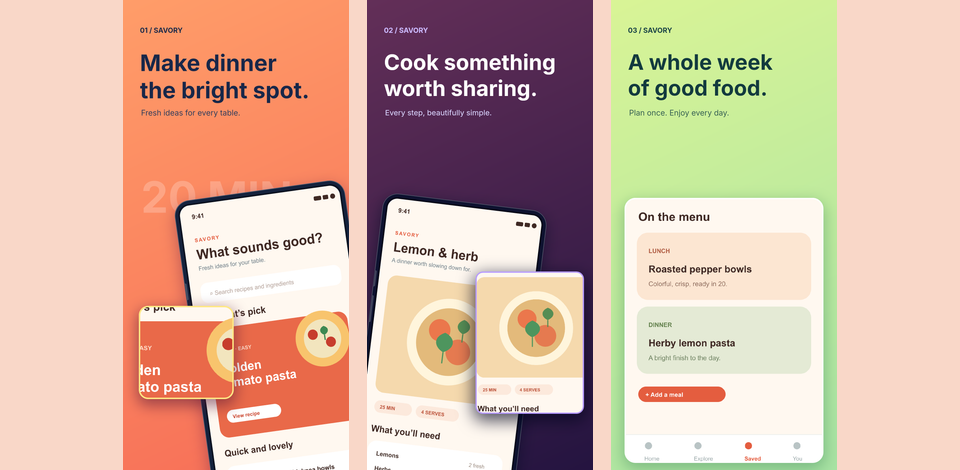
YOUR APP CAPTURES✳EDITABLE LAYOUTS✳CONNECTED STORIES✳EXPORT SIZES
01 / THE WORK
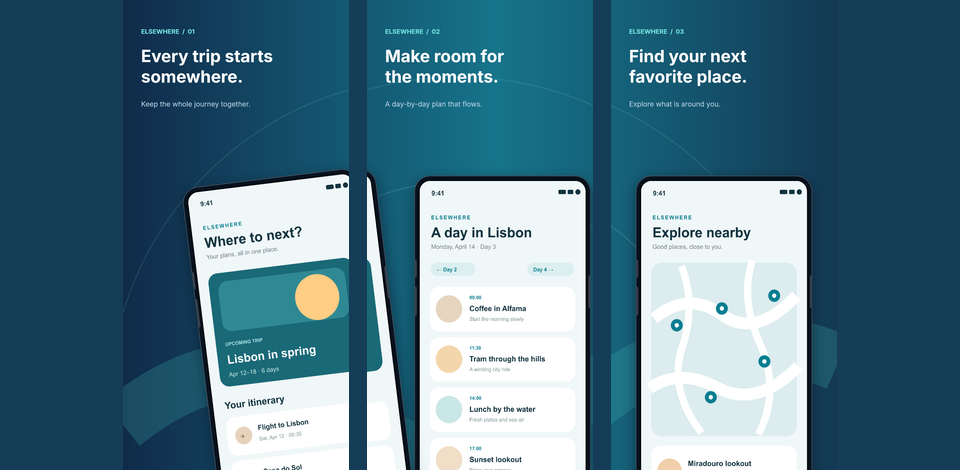
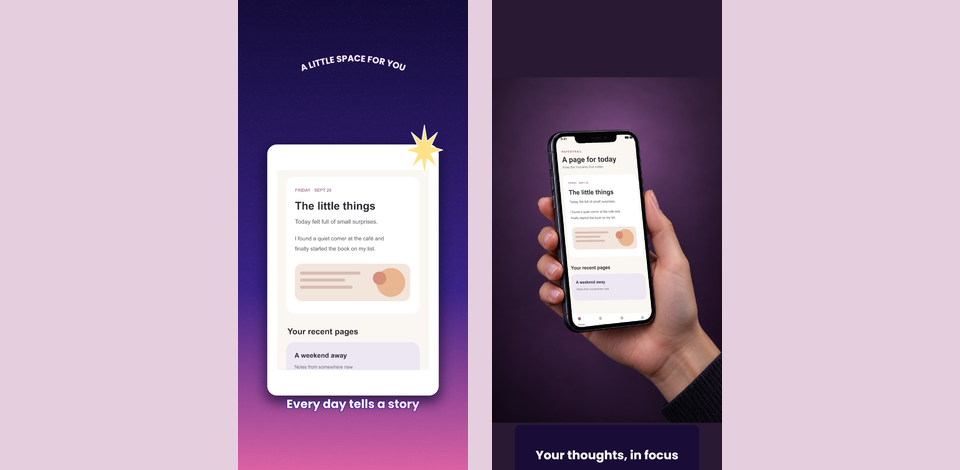
A story across screens.
These fictional app examples were made with StoreShot. Start with an app capture, then give each screen its own job.
02 / YOUR WORKFLOWFrom capture
From capture
to campaign.
Build a screenshot set you can keep changing as the app grows.
- 01
Bring your app screens
Use actual captures as the starting point for your design.
- 02
Shape the composition
Edit text, imagery, device frames and connected layouts in the visual editor.
- 03
Make every version fit
Adjust layouts for languages and export at the sizes you need.
Your next screenshot set starts here.
Sign in to StoreShotPrivate beta access is currently limited to existing accounts.